
Kia Optima DL3: Smart Key System / Smart Key Diagnostic
Repair procedures
| Inspection |
| 1. |
In the body electrical system, failure can be quickly diagnosed by using the vehicle diagnostic system (KDS). The diagnostic system (KDS) provides the following information.
|
| 2. |
Select the "Car model" and the 'IBU-SMK' to be checked in order to check the vehicle with the tester. |
| 3. |
Select the 'Current Data' menu to search the current state of the input/output data. |
| 4. |
If you want to check each module operation forcefully, select "Actuation test". |
Antenna Actuation Diagnosis
| 1. |
Connect the cable of KDS to the data link connector in driver side crash pad lower panel. |
| 2. |
After IG ON, select the "Actuation Test". |
| 3. |
Set the smart key near the related antenna and operate it with a KDS. |
| 4. |
If the LED of smart key is blinking, the smart key is normal. |
| 5. |
If the LED of smart key is not blinking, check the voltage of smart key battery. |
Antenna Status Check
| 1. |
Connect the cable of KDS to the data link connector in driver side crash pad lower panel. |
| 2. |
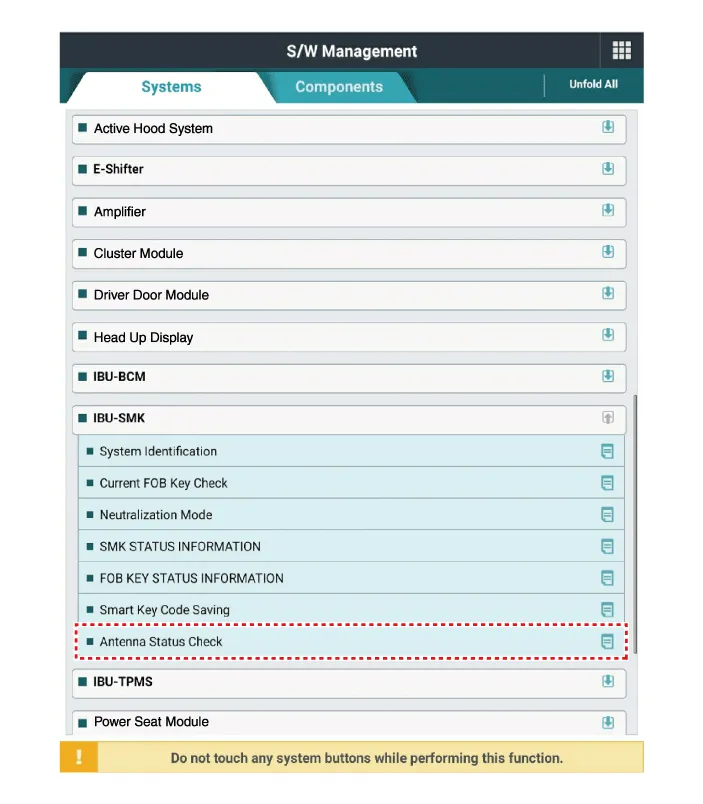
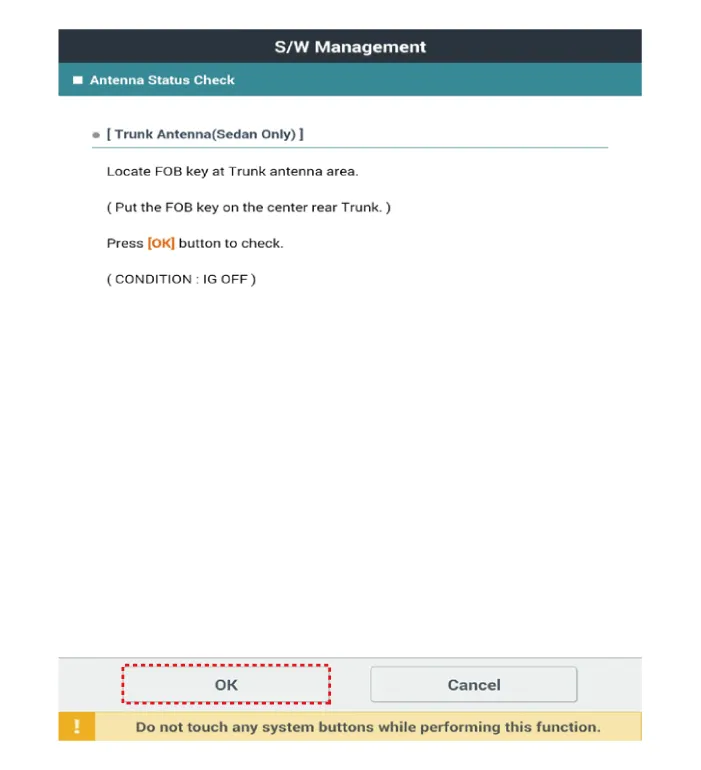
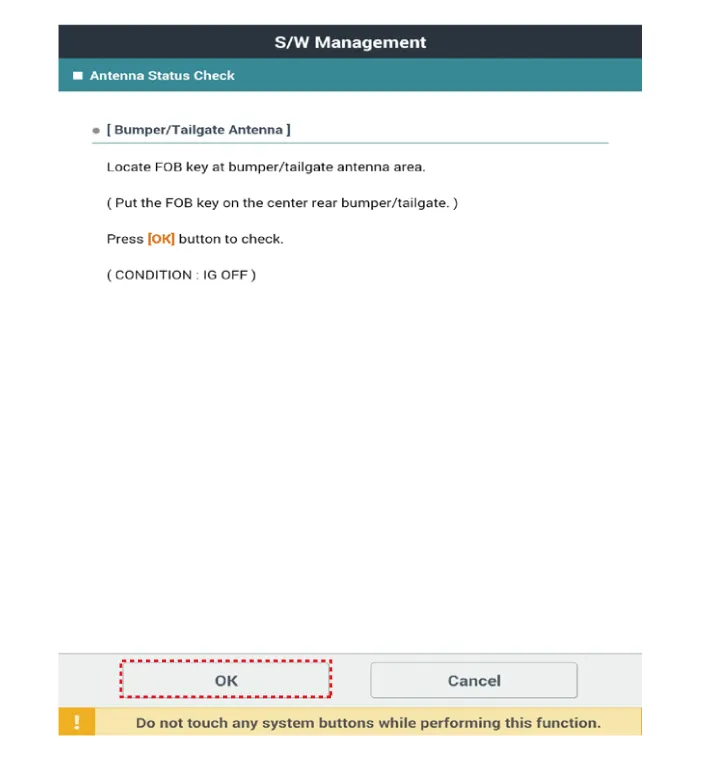
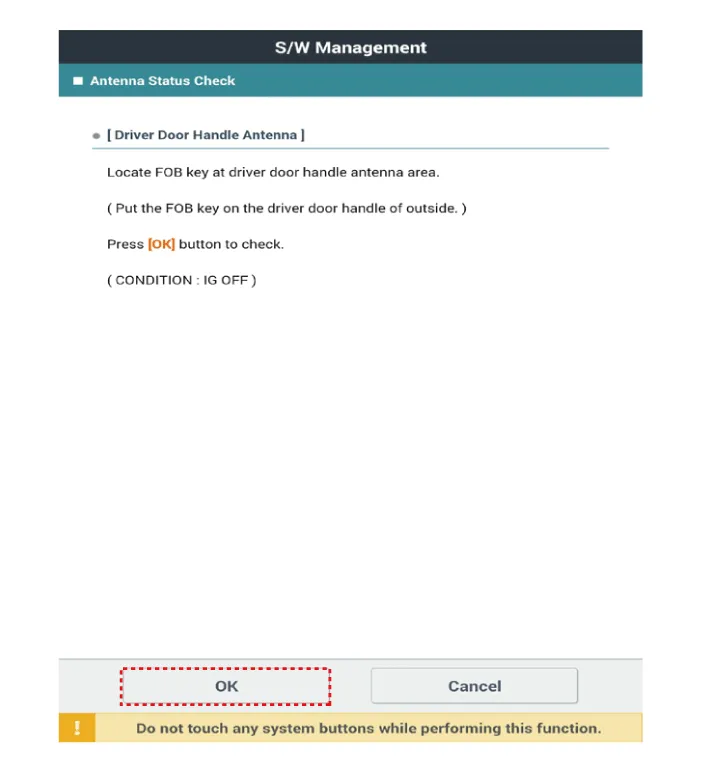
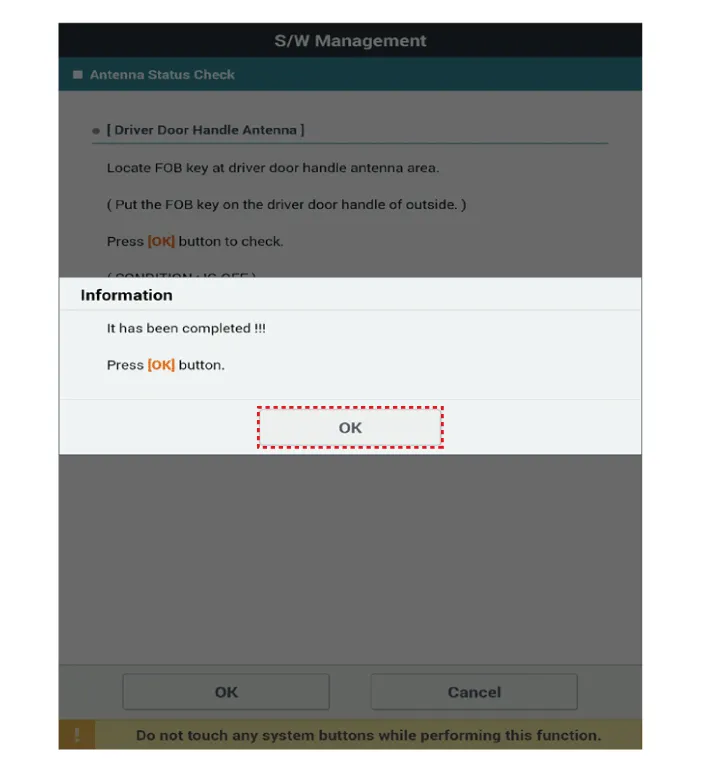
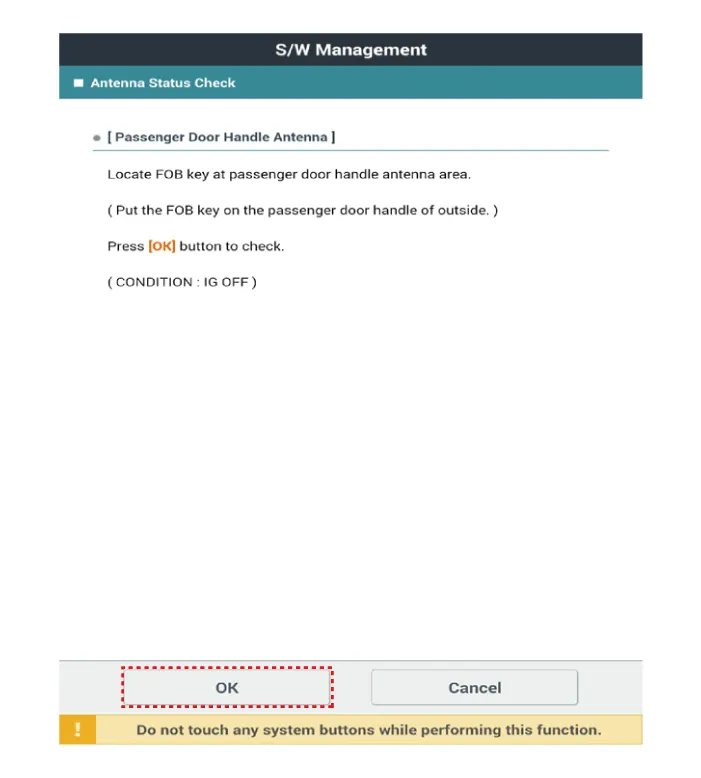
Select the "Antenna Status Check".
|

| 3. |
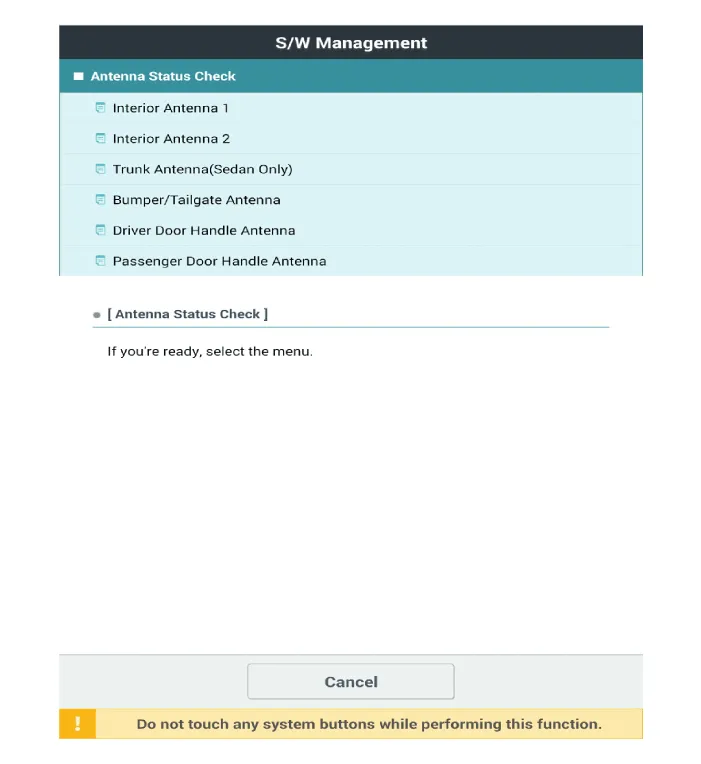
After IG ON, select the "Antenna Status Check".
|
| 4. |
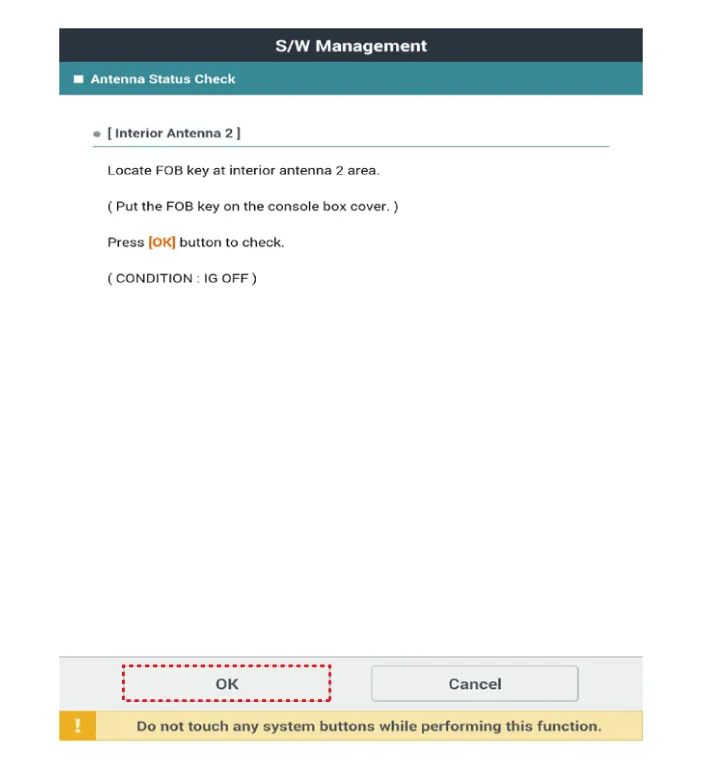
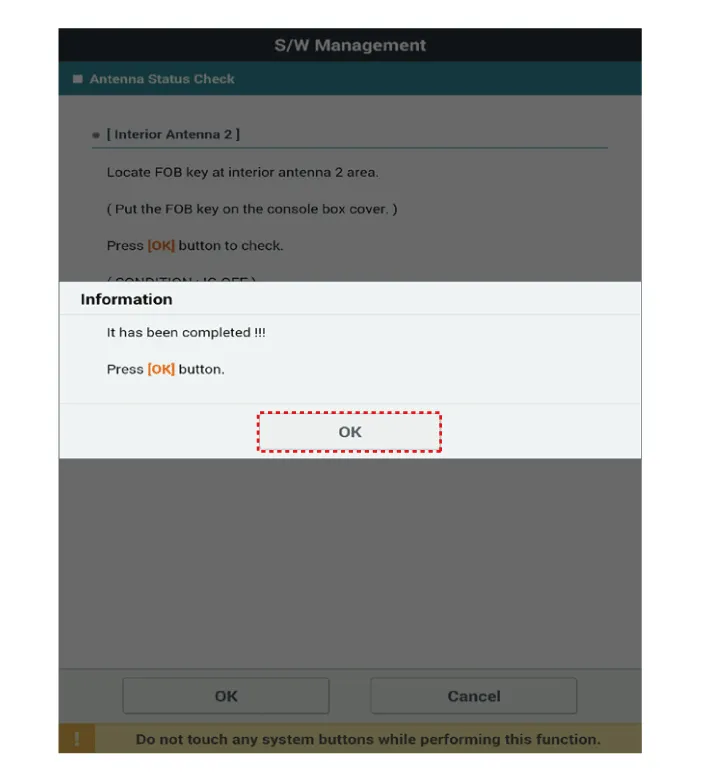
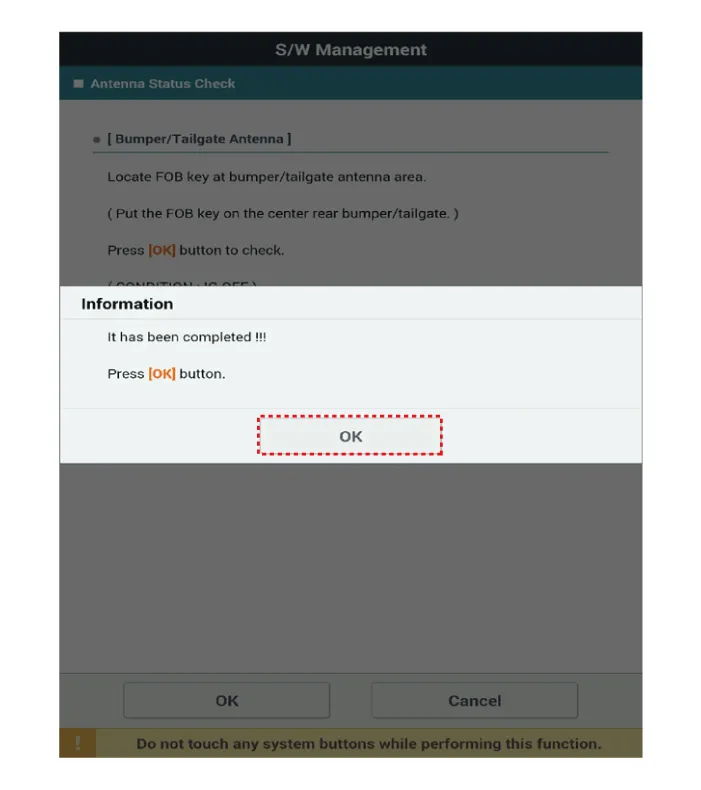
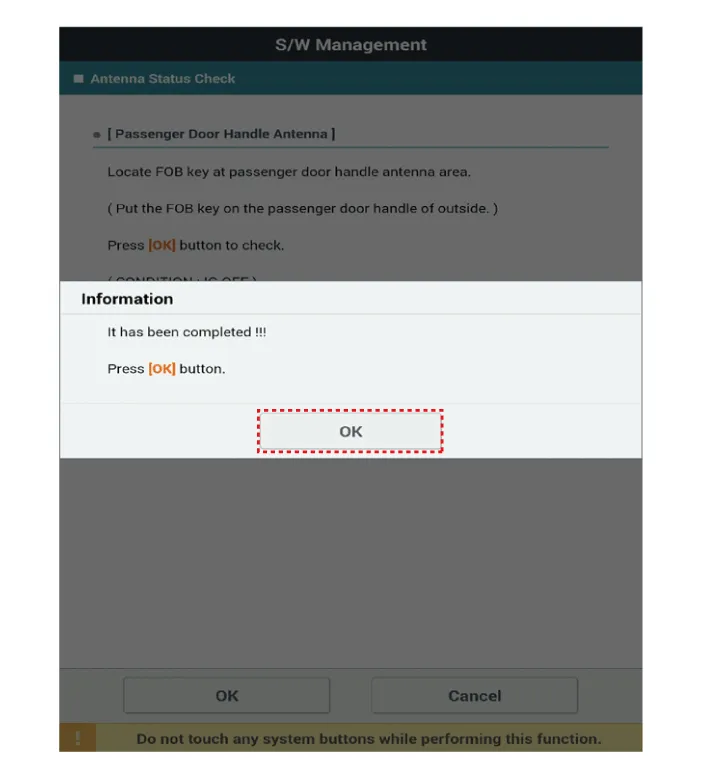
Set the smart key near the related antenna and operate it with a KDS.
|

| 5. |
If the smart key runs normal , the related antenna, smart key(transmission, reception) and exterior receiver are normal. |
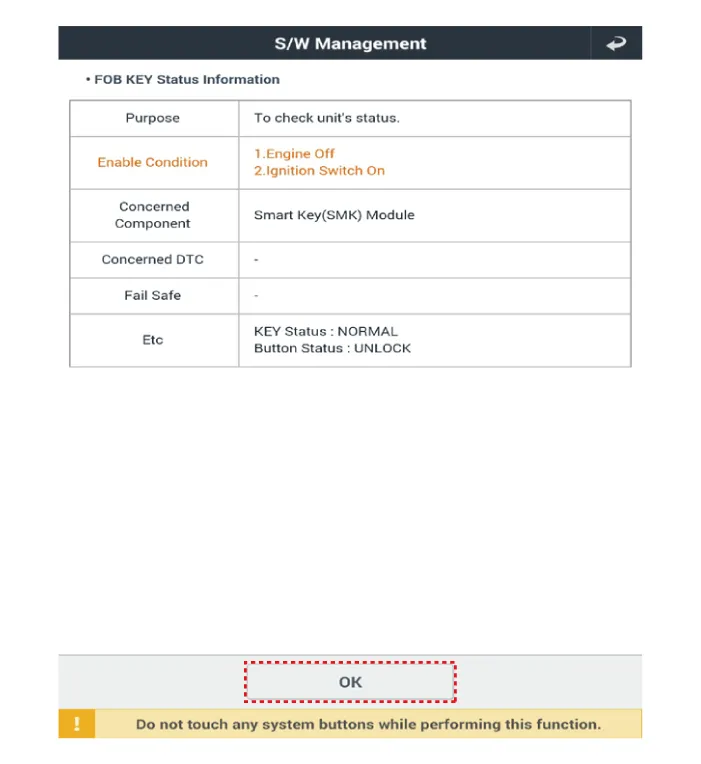
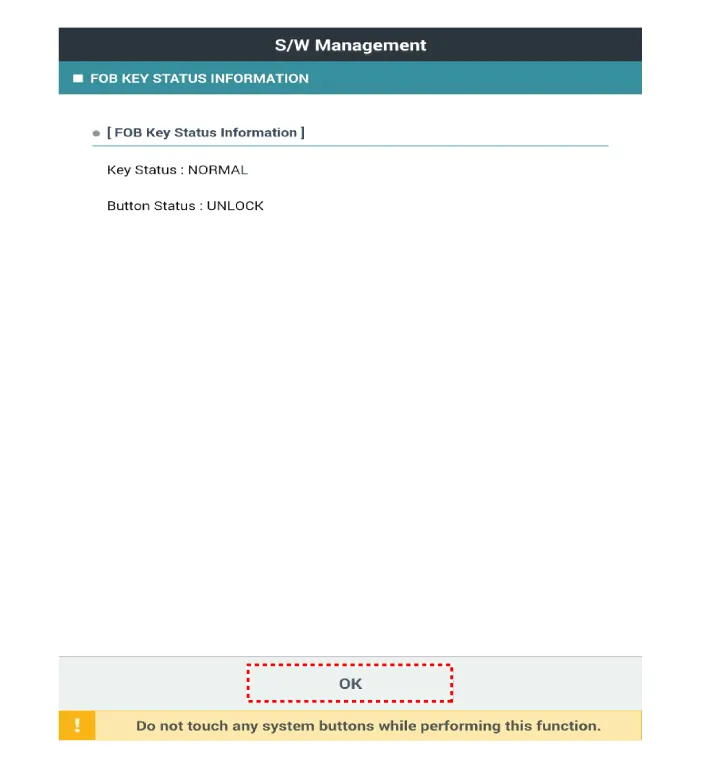
FOB Status Check
| 1. |
Connect the cable of KDS to the data link connector in driver side crash pad lower panel. |
| 2. |
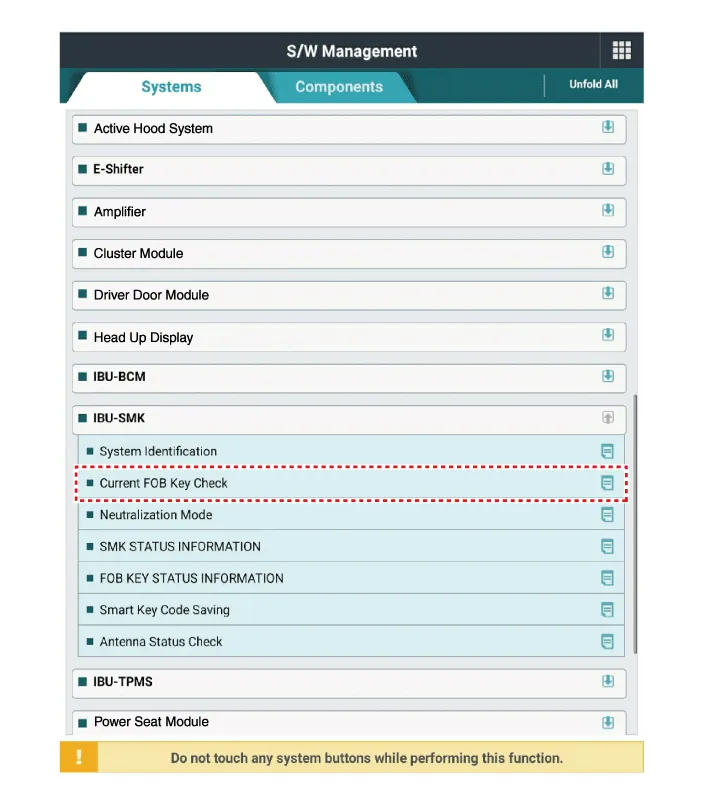
After IG ON, select the "FOB KEY STATUS INFO".
|
Smart Key Status Check
| 1. |
Connect the VCI dongle of the KDS to the data link connector in driver side crash pad lower panel. |
| 2. |
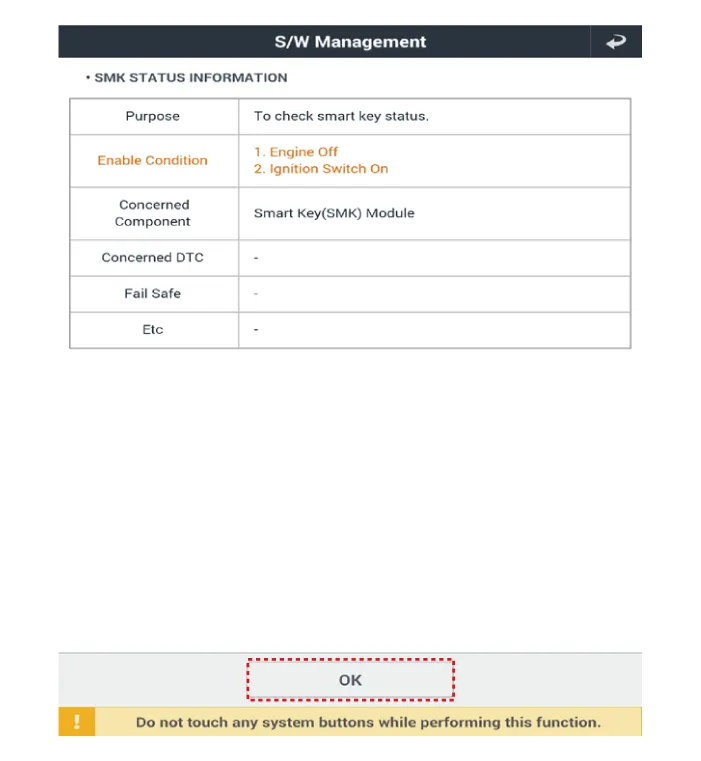
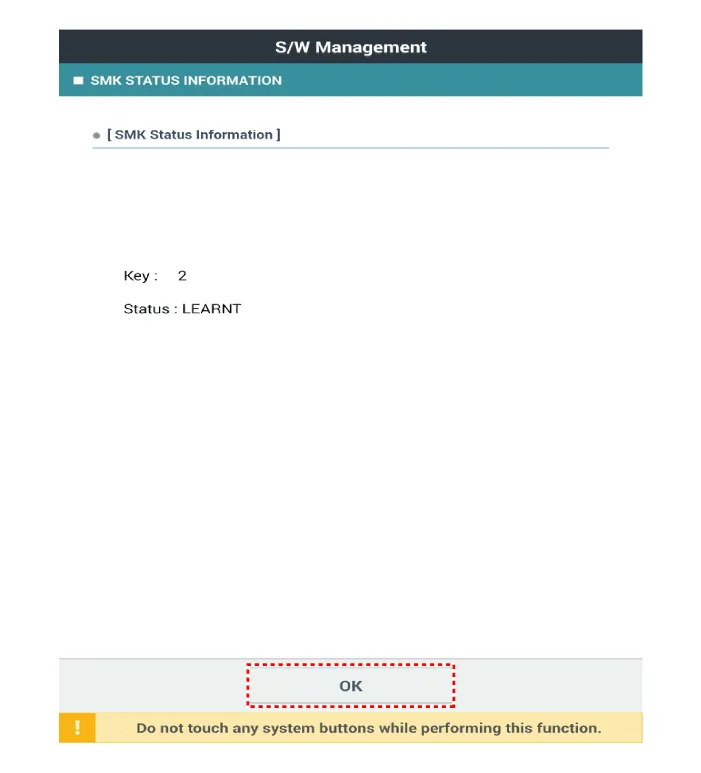
After IG ON, select the "SMK STATUS INFO".
|

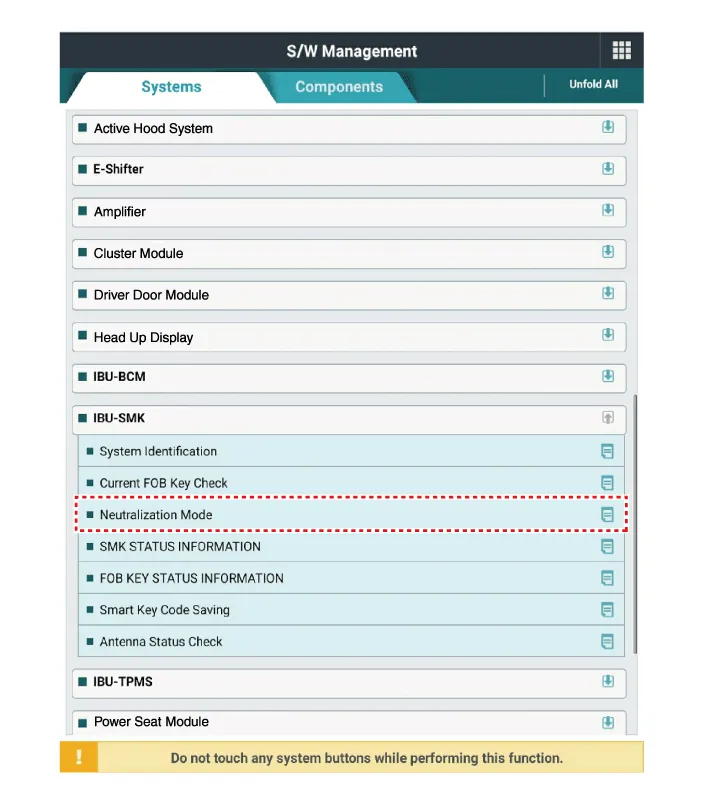
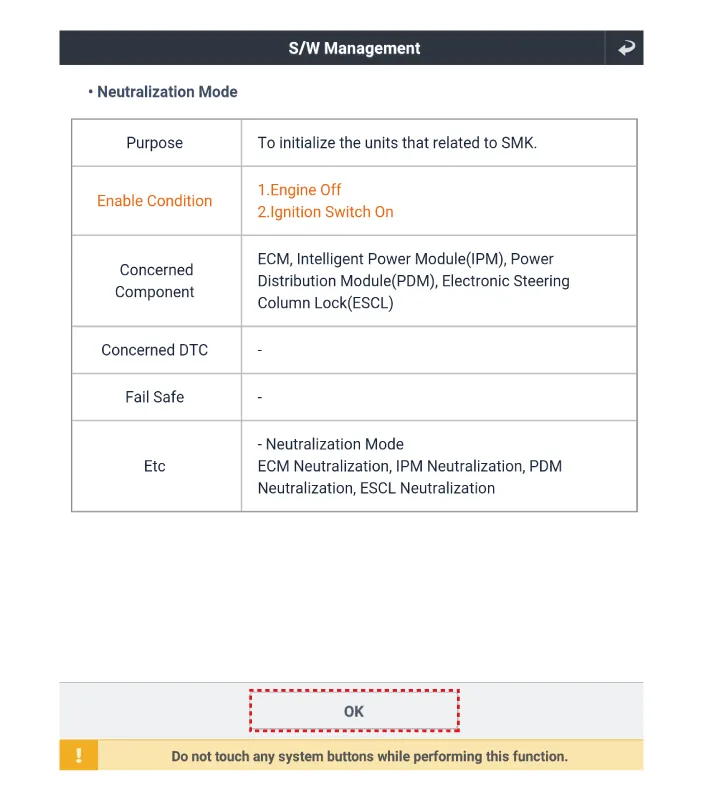
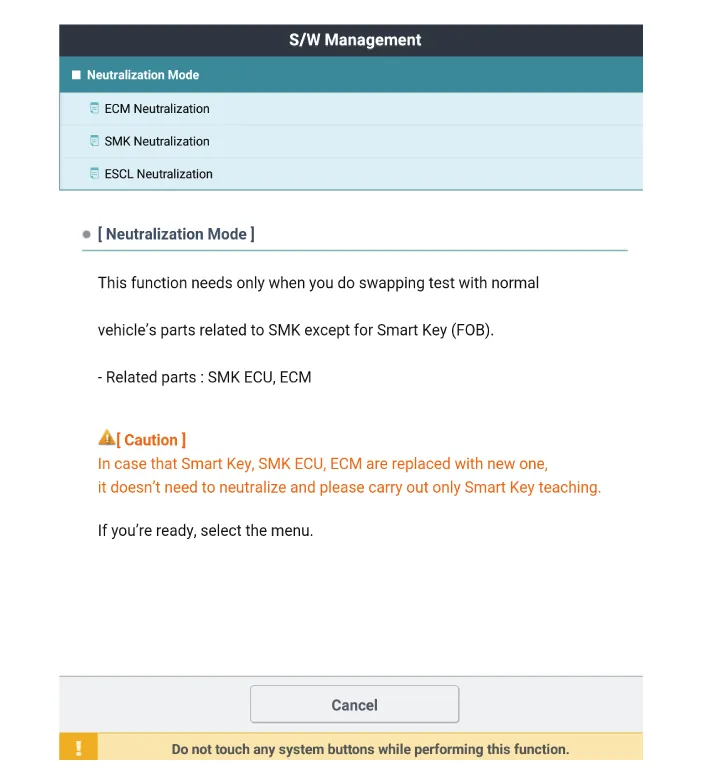
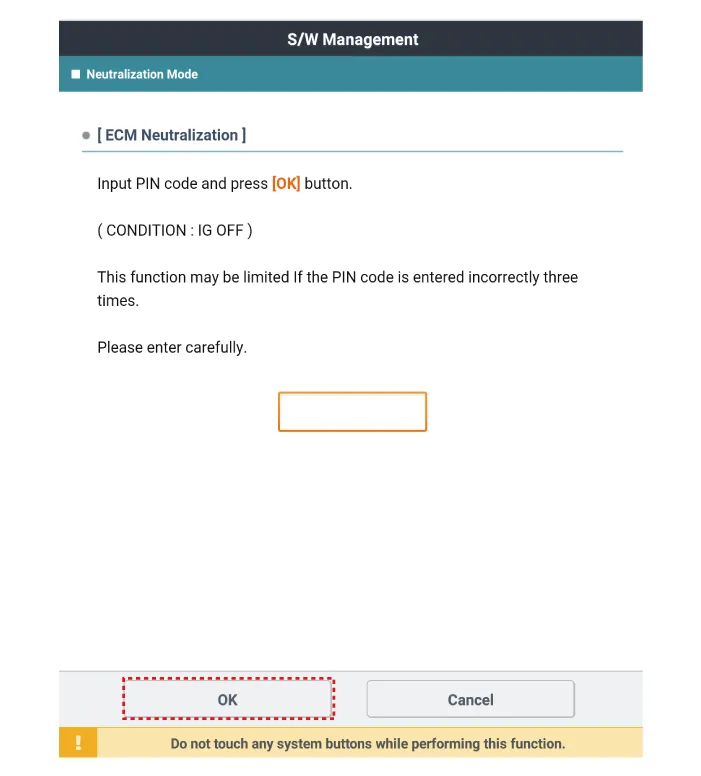
Neutralization Status Check
| 1. |
Connect the VCI dongle of the KDS to the data link connector in driver side crash pad lower panel. |
| 2. |
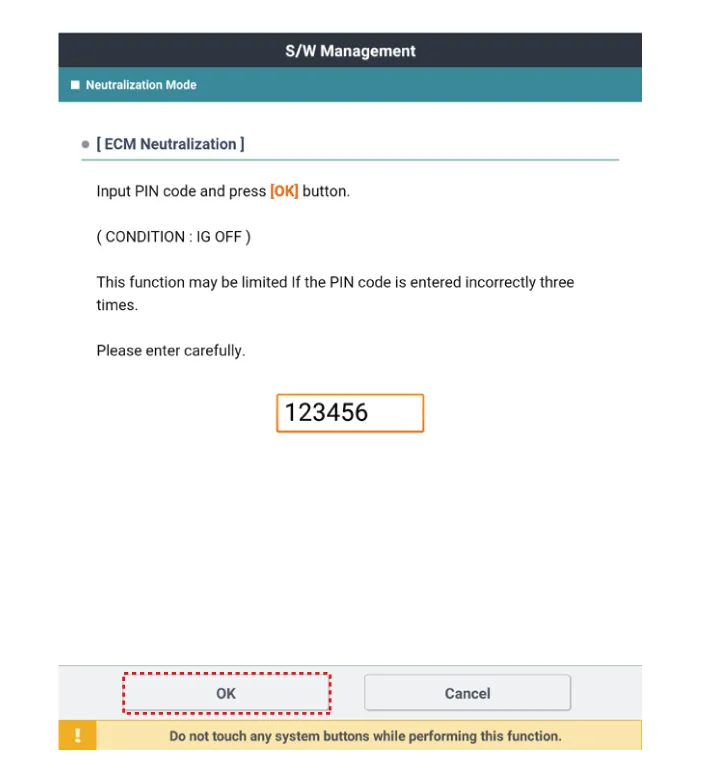
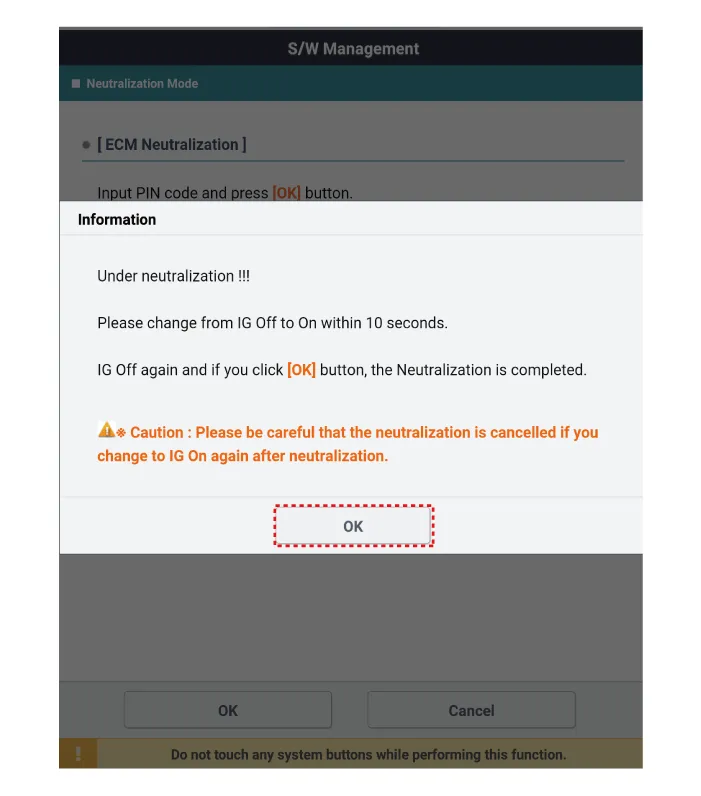
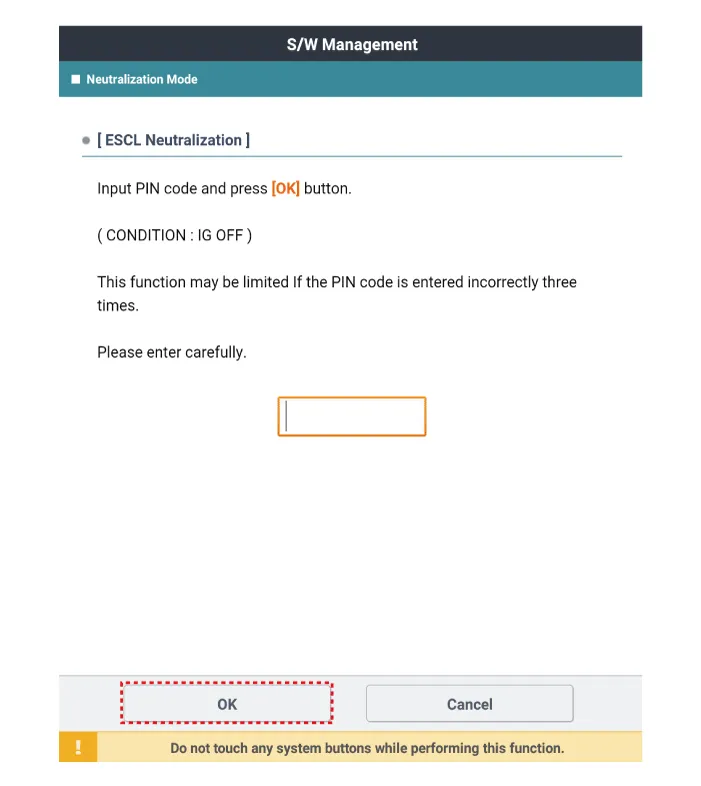
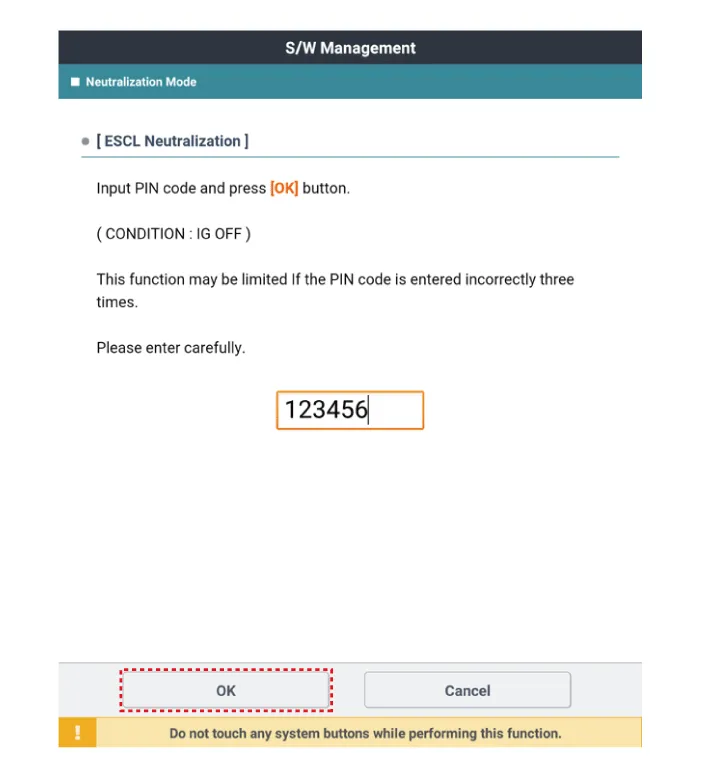
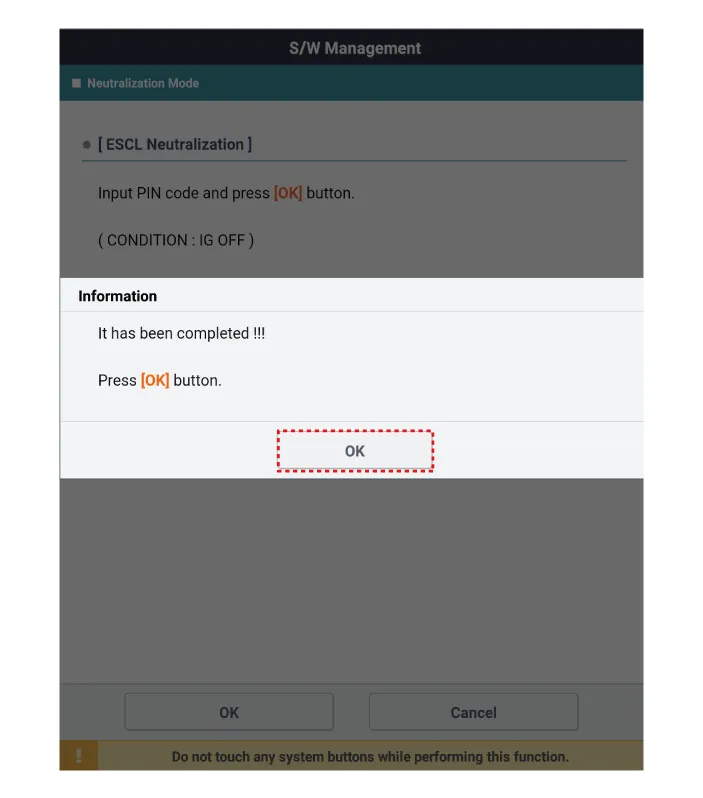
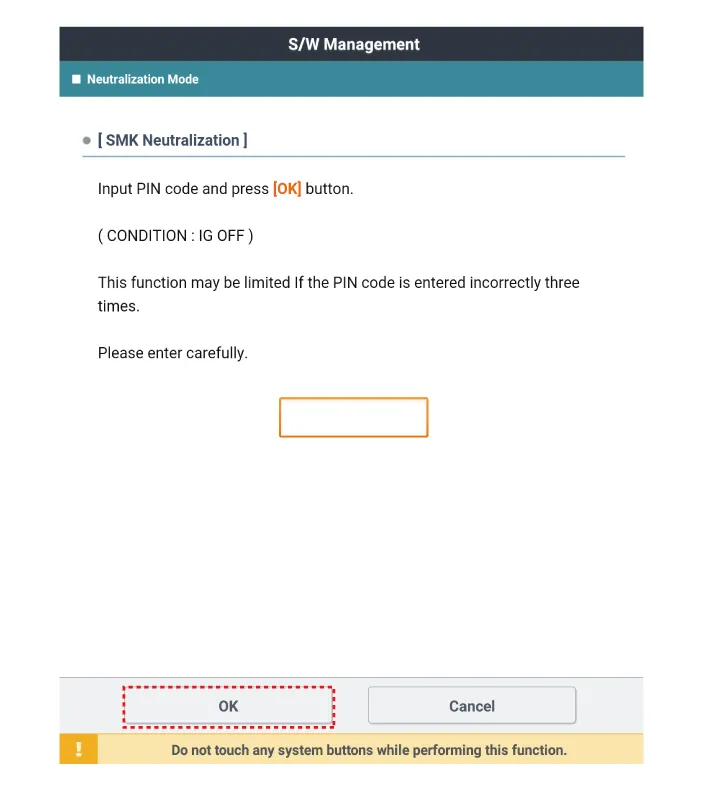
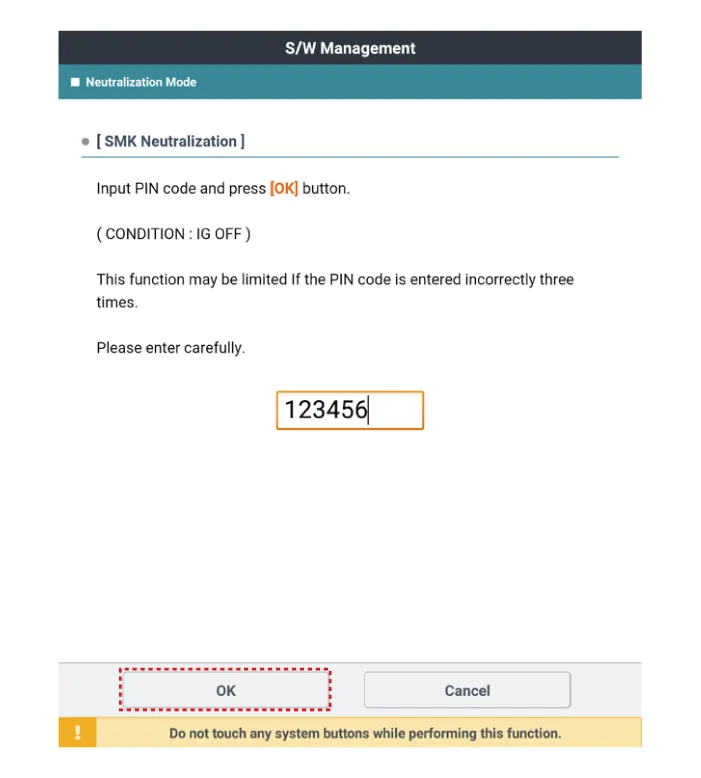
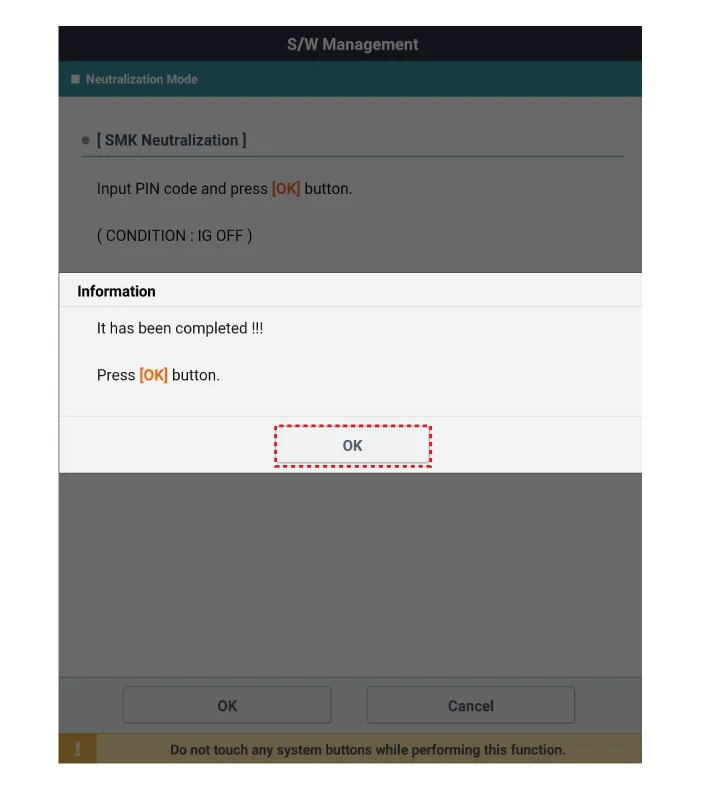
After IG ON, select the "Neutralization mode".
|
Repair procedures Removal Interior Antenna 1 1. Disconnect the negative battery terminal. 2. Remove the surround view monitor (SVM) unit.
Other information:
Kia Optima DL3 2019-2026 Service and Repair Manual: Receiver-Drier
Repair procedures Replacement 1. Remove the condenser. 2. Remove the cap (A) on the bottom of the condenser with a L wrench. Tightening torque : 9.81 - 14.71 N.
Kia Optima DL3 2019-2026 Service and Repair Manual: Cluster Ionizer
Components and components location Components Location 1. Condenser Description and operation Description The cluster ionizer makes disinfection and decomposition of bad smell from the air-conditioner or inflow air.
Categories
- Manuals Home
- Kia Optima Owners Manual
- Kia Optima Service Manual
- Headlamps
- Heating, Ventilation and Air Conditioning
- Body Electrical System
- New on site
- Most important about car
